Shubham's corner
Software, AI, Optimisation, Learnings, Cooking and Traveling.
I use this space to share my learnings, experiments, technical and non-technical desicisions and everything else going with my life.
![[Neetcode] Trapping Rain Water](/images/uploads/trapping-rain-water-03-two-pointer-settle.gif)
 Shubham Kumar
- 26 Jul, 2026
[Neetcode] Trapping Rain Water
This is one of those problems where the formula is simple, but the trick is figuring out how much context each index needs. For any bar at index i, the water on top of it is: min(max wall on left, max wall on right) - height[i]If either side does not have a higher wall, the contribution becomes 0. Problem Given an array height, each value represents the height of a bar. We need to return how much water can be trapped after raining. Example: height = [0,2,0,3,1,0,1,3,2,1] answer = 9Approach 1 - Brute force For every index, scan the full left side and full right side to find the tallest wall on both sides. Then add the water contributed by the current index.This works because every index is handled independently, but it repeats a lot of work. For each bar we are scanning the array again. class Solution { public int trap(int[] height) { int n = height.length; int res = 0; for (int i = 0; i < n; i++) { int leftWall = i; int rightWall = i; for (int k = i; k >= 0; k--) { if (height[k] >= height[leftWall]) { leftWall = k; } } for (int k = i; k < n; k++) { if (height[k] > height[rightWall]) { rightWall = k; } } res += Math.min(height[leftWall], height[rightWall]) - height[i]; } return res; } }Time complexity: O(n^2) Space complexity: O(1) Approach 2 - Prefix and suffix walls The repeated work in brute force is finding the same left and right walls again and again. We can precompute them. leftWalls[i] stores the highest wall from 0 to i. rightWalls[i] stores the highest wall from i to n - 1.Once these two arrays are ready, the water at every index can be calculated in one pass. class Solution { public int trap(int[] height) { int n = height.length; int res = 0; int[] leftWalls = new int[n]; int[] rightWalls = new int[n]; leftWalls[0] = height[0]; rightWalls[n - 1] = height[n - 1]; for (int i = 1; i < n; i++) { leftWalls[i] = Math.max(leftWalls[i - 1], height[i]); } for (int i = n - 2; i >= 0; i--) { rightWalls[i] = Math.max(rightWalls[i + 1], height[i]); } for (int i = 0; i < n; i++) { res += Math.min(leftWalls[i], rightWalls[i]) - height[i]; } return res; } }Time complexity: O(n) Space complexity: O(n) Approach 3 - Two pointers We can avoid the extra arrays by keeping two pointers, one from the left and one from the right. The useful observation is that water is limited by the smaller wall. If leftMax < rightMax, then the left side can be settled because there is already a right wall tall enough to support it. Similarly, if rightMax < leftMax, the right side can be settled.class Solution { public int trap(int[] height) { int n = height.length; int res = 0; int l = 0; int r = n - 1; int leftMax = 0; int rightMax = 0; while (l < r) { leftMax = Math.max(leftMax, height[l]); rightMax = Math.max(rightMax, height[r]); if (leftMax > rightMax) { res += rightMax - height[r]; r--; } else { res += leftMax - height[l]; l++; } } return res; } }Time complexity: O(n) Space complexity: O(1) Takeaway The core idea is that each index only cares about the smaller wall between its best left wall and best right wall. Brute force finds those walls by scanning again and again. Prefix/suffix arrays remember them. Two pointers settle the side whose limit is already known.
![[Neetcode] Two Integer Sum II](/images/uploads/5341f9ef-d579-494e-bd27-1621b75db549-.png)
- Shubham Kumar
- 23 Jul, 2026
[Neetcode] Two Integer Sum II
Basically you have a sorted array of integers and you need to find the index i, j which will sum up to a target. Approach 1 - Bruteforce The simplest solution is loop through all the integers combinations and find the indices. This is basically looping twice each number -> O(n^2), not very good.We can make the above one more optimal by starting the second loop after the current index. This will reduce our iterations by half, making it n(n-1)/2. This is also O(n^2).We can add one more optimization by pruning as soon as second loop sums to a number greater than target. As the array is sorted, any number after the number which resulted in sum greater than target will also result in a sum greater than the target. Worst case this will also be O(n^2).But we got a clue here, the clue is traversing in reverse order if we get a sum less than target then we no longer need to search a number before the index. Basically, if sum of 1st and last is less than the target, then good guess would be check the 2nd number and last number. And if 1st and lat is greater than the target, then a good guess would be check 1st and 2nd last. And so on. Approach 2 - 2 pointers Take 2 pointers, l at the start of the array and r at the last of the array. If the sum of numbers at the pointers is greater than target then check r-1 and if it is less than the target then check l+1. This will give us a solution which is O(n) as none of the numbers are being passed more than once.

- 22 Jul, 2026
Chicken without oil
Eating healthy food is a good habit. I live in a PG, and the food is quite good here, but I think it lacks fiber and protein. So, I decided to start cooking some food myself. I’m not a good cook, but I’m trying to learn better things. So I thought, maybe I can start documenting them here. And today, I cooked chicken without any oil. I’m trying to eat healthy, and that’s why I’m preventing oil from touching my food. Anyway, let’s get to the recipe.Recipe Marinate the chicken First, I bought 450 grams of chicken from Licious. These were chicken thighs. Just after bringing them to my room, I started the process of marinating the chicken. For marination, I used 100 grams of dahi, around 20 grams of ginger-garlic paste, half a tablespoon of salt, one tablespoon of red chilli powder, half a tablespoon of turmeric, and two tablespoons of chicken masala. Mix everything together, cover it, and leave it for around an hour. Then, I took one whole onion and sliced it vertically.Prepare the onions Generally, we use oil to fry onions, but that’s where my recipe is different. What I do is take 200 ml of water, heat my electric skillet at the highest setting, and put the onions into the boiling water. Leave them there and give them a quick stir every 3–4 minutes. Do this until the water has completely evaporated. The onions will become soft and slightly brownish.Cook chicken till they turn white Once the onions are a little brown and ready, add the marinated chicken. Start stirring the chicken for around 4–5 minutes. The indication that the chicken is ready to be covered is that it will become white on the outside.Cover the lid and firmly cook the chicken Now the process becomes easy. Bring the heat down to medium or low, cover it with the lid, and let the chicken cook for 30 minutes. Just make sure the chicken is not getting stuck at the bottom, so give it a quick stir every 4–5 minutes. After this 30-minute period, open the lid. If there is some liquid or gravy left and it is too watery, bring the skillet back to the highest temperature and boil down the extra gravy.You can eat the chicken as it is or have it with rotis or rice. I generally squeeze half a lemon over the chicken to make it taste fresh.

- 21 Jul, 2026
Vibe coded my blogging app
Just another late-nighter and the power of AI. I was looking for a VPS to host my blog, basically my admin page, so that I can access it anywhere and start writing my blogs wherever I can, mainly from my mobile. Then, an idea struck my head: why not get an app? Basically, I have the Git token, so I thought of getting an app that can access my GitHub and get this exact repo cloned on my system. And, like I always write blogs on my laptop, I can just use the same technologies to write blogs on my mobile. Then, I sat on my laptop, discussed things with Codex, and we came up with a plan to write an app that can connect to my GitHub, understand my blogging codebase, and create an app around that, matching my workflow. I can see my old posts, update, add, create whatever I want, and just write my blogs from mobile. The GitHub connector page This is where you just create a GitHub app and connect it to your app. Once connected, you will never need to do it again.The old blog posts View/edit your old blog posts and keep things updated.The writer page Write new articles/blogs just from the app and push it to GitHub. Once pushed the same CICD pipeline will make it go live. Easy Peasy.
- Shubham Kumar
- 20 Jul, 2026
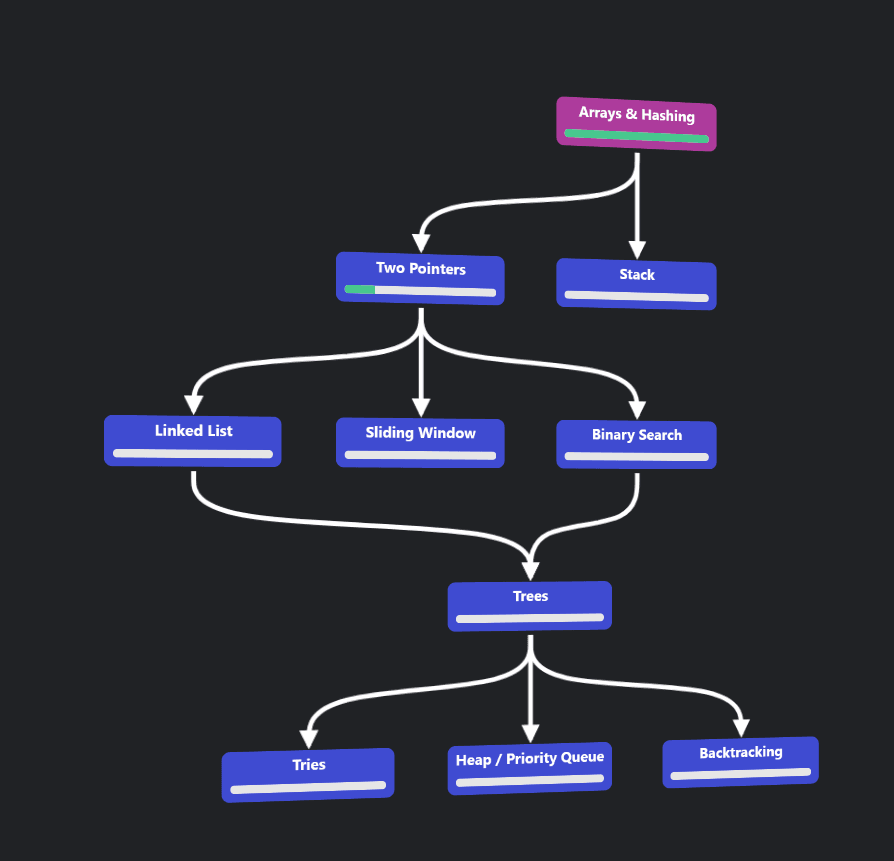
Just started neetcode blind 150
Just started Neetcode blind 150. This time I'm using java as my tool. Navigating through same challenges and learning more. To be honest, coding on job and coding on coding platform are very different. On job, you use HashMaps and you are mostly done. And there are exceptions when you use DP or Trees. My case, I think I have used mostly all the general data structures and some advanced ones too. But anyways, back to coding and building hand memory again.